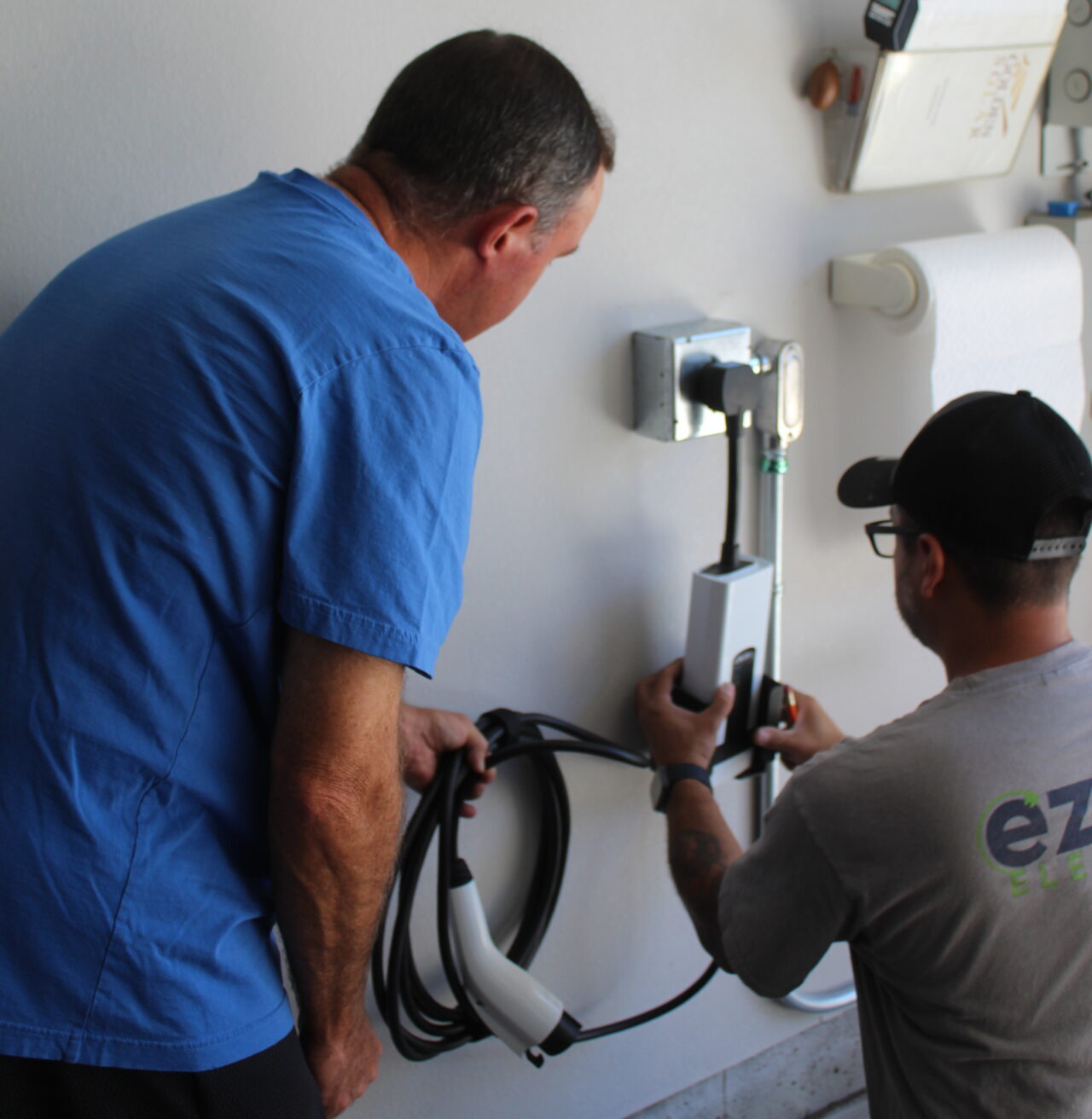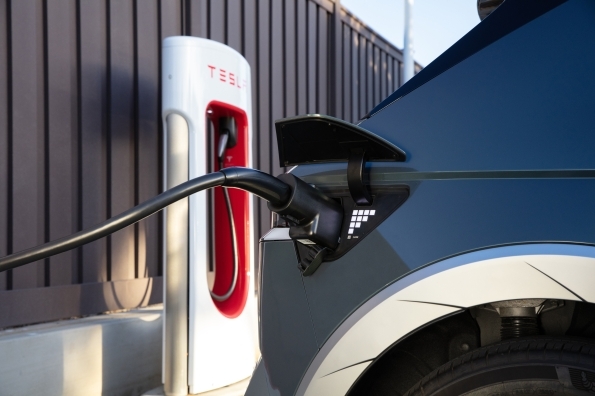

You must have come across the terms Gen 2 and Gen 3 Wall Connectors. Well, you are not alone, as many new Tesla owners often get to hear these terms when it comes to understanding the charging needs or upgrading the home charging setup. Absolutely, both charge your EV safely and quickly at home. But they have different appearances, unique connectivity, and deliver varying power.
Therefore, it is important to understand these differences between the Tesla Gen 2 and Gen 3 Wall Connectors. And you don’t need to go anywhere, as we have come up with all the key details helping you choose the right option. Let’s get started.
Appearance and Design
At first glance, the Gen 3 Wall Connector is clearly the “modern” sibling. It has a sleek, tempered white glass faceplate that complements your high-tech garage. Best part? It is compact and lighter than its predecessor. It was launched in January 2020 with a description that reads–
“Charge at home, anytime. Tesla Wall Connector provides a full charge overnight for every homeowner. With customized power settings, the lightweight design allows for versatile indoor/outdoor use, including a range of electrical systems and mounting options. Monitor your charge with the Tesla app and receive notifications when complete. Wi-Fi connectivity enables over-the-air firmware updates and remote service if necessary. Tesla Wall Connector offers the best home charging experience for any Tesla owner.”
Talking about the Gen 2 Wall Connector, it has a more industrial, “heavy-duty” feel. It comes with a silver or black plastic finish. It looks like a tank due to its bulkier size, consuming more space on the wall.
Charging Power and Amperage
This is the area where most people get confused. You might assume “newer is more powerful,” but in this case, it’s actually the opposite.
- Gen 2 (The Powerhouse): This unit can deliver up to 80 amps of power. This is a massive amount of electricity, allowing for very fast charging speeds–up to 19.2 kW.
- Gen 3 (The Efficient One): This unit is capped at 48 amps (11.5 kW).
Why did Tesla lower the power?
Most modern Teslas (Model 3, Model Y, and newer Model S/X) have onboard chargers that can only handle 48 amps anyway. The Gen 2’s 80-amp capacity was designed for older Model S and Model X cars that had “dual chargers.” Since most cars today can’t use the extra power, Tesla made the Gen 3 more efficient and easier for home electrical panels to handle.
Wi-Fi and Smart Features
This is the biggest “functional” difference.
- Gen 3 is a Smart Charger: It comes with built-in Wi-Fi. This allows it to connect to your home network for over-the-air software updates. You can manage it through the Tesla App, track your charging history, and even set “Access Control” so only your car (or specific Teslas) can use it.
- Gen 2 is a “Dumb” Charger: The Gen 2 does not have Wi-Fi. It is a plug-and-play device. While it is incredibly reliable, you cannot update its software or control it remotely unless you are using the car’s own settings.
Cable Length and Flexibility
| Feature | Gen 2 Wall Connector | Gen 3 Wall Connector |
| Max Cable Length | 24 feet | 18 feet (Standard) / 24 feet (Long) |
| Cable Thickness | Very Thick & Heavy | Thin & Flexible |
The Gen 2 cable is famous for being thick and heavy. In cold weather, it can become stiff and difficult to wrap. The Gen 3 uses a much thinner, more advanced cable that remains flexible even when it’s freezing outside, making it much easier to handle daily.
The 24-foot cable looks more beneficial than Gen 3’s 18-foot cable, making it easier to charge two cars in a garage, no matter how they are positioned. But that convenience comes with a price tag. The long, heavy cable spikes the rate and weight of the Gen 2 unit. On the other hand, the Gen 3’s thinner, lighter 18-foot cable is easy to use, as it keeps the Gen 3 unit lighter. It leads to an easy installation.
Load Sharing (Charging Two Cars)
If you have two Teslas, you might want two chargers. Both generations allow “Load Sharing,” which means they can talk to each other, so they don’t blow a circuit breaker when both cars are charging.
- Gen 2 Load Sharing: Requires a physical communication wire to be run between the two chargers. It can share power with up to 4 units.
- Gen 3 Load Sharing: Does this work wirelessly over Wi-Fi? It can share power with up to 16 units, making it the better choice for apartments or multi-car families.
Make sure to follow the safety guidelines to charge a Tesla EV.
The Verdict: Which one should you choose?
Choose the Gen 2 if:
o You own an older Tesla Model S or X with dual chargers and want the absolute fastest charging speed (80 amps).
o You found a used one at a great price and don’t care about Wi-Fi features.
o You need the extra-long 24-foot heavy-duty cable.
Choose the Gen 3 if:
o You own a Model 3, Model Y, or a newer Model S/X.
o You want to track your energy usage and get software updates via the Tesla App.
o You want an easier installation process and a thinner, more manageable cable.
You plan on adding a second charger in the future and want wireless load sharing.
The Gen 3 is the standard for most homeowners today because it offers “smart” features that the Gen 2 simply lacks. While the Gen 2 wins on raw power, the Gen 3 wins on convenience and technology.
Let us Help You with Tesla EV Charger Installation.
Hope this comparison helps you learn the key difference between Tesla Gen 2 and Tesla Gen 3 EV chargers.
If you are looking for a reliable Tesla EV charger installation in Denver or around, look no further than EZ EV Electric. We offer tailored EV charger installation services backed by experience, expertise, and a transparent price. We also guide you through the process. Reach out to us now!